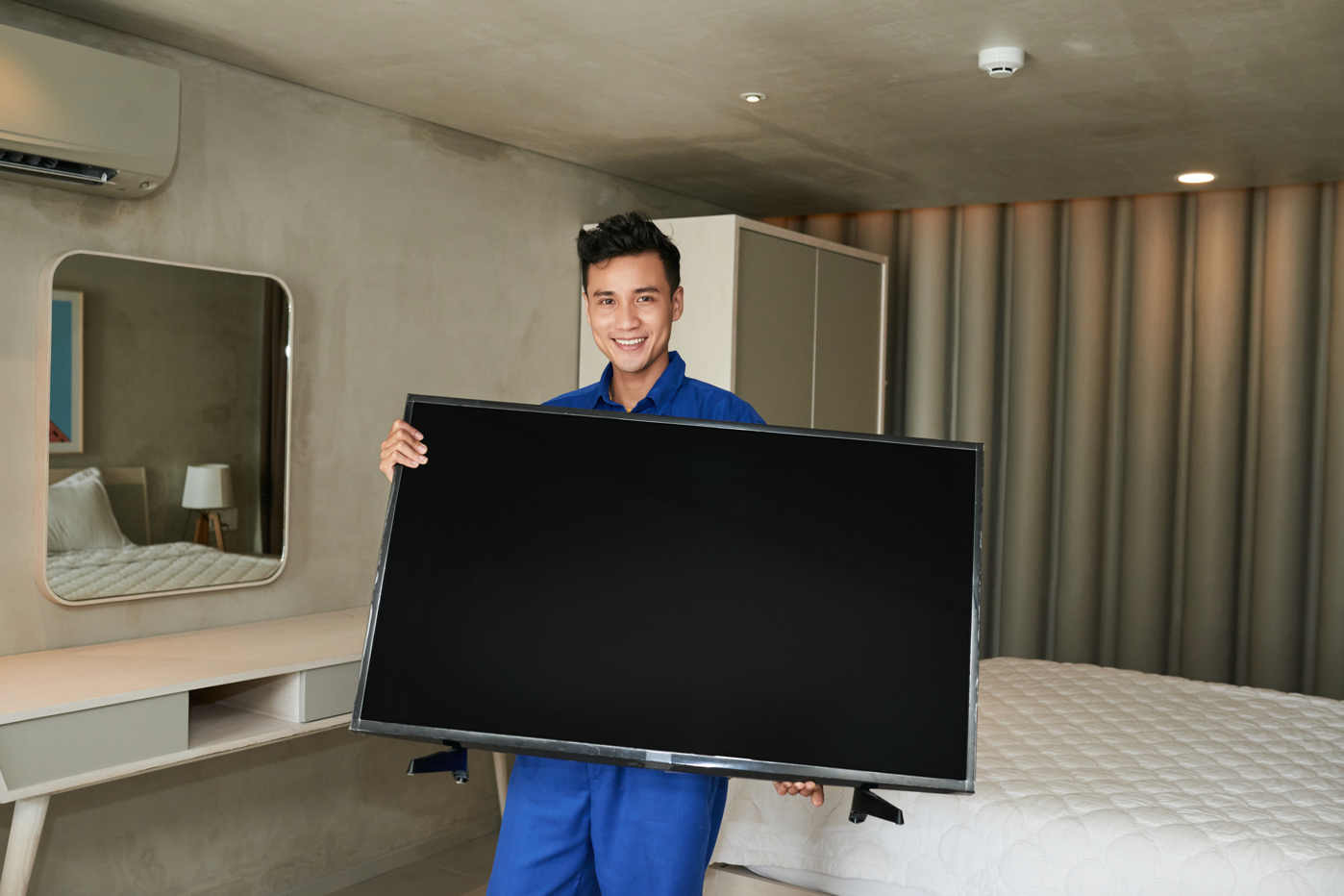
How Do You Move a TV Without the Original Box?
Moving a flat-screen television without its original packaging takes a bit of planning and some protective materials. TV makers like Samsung, LG, and Sony design their boxes with foam inserts that fit the exact model, but without that, you need a different approach. Using blankets, bubble wrap, and sturdy cardboard can actually do a decent job if done carefully.
I've learned this the hard way after helping friends move their 65-inch smart TVs across town. The trick is knowing which parts are most vulnerable: the screen, corners, and ports. Once you figure that out, you can build a protective "shell" around it with materials you probably already have at home.
Something that really helps is calling local moving experts in Oklahoma City. They often have the right tools, straps, and experience to move TVs safely. Even if you're trying to do it yourself, a little guidance from professionals makes a huge difference.
Getting Your Measurements Right
You can't just eyeball a TV's dimensions and hope for the best. Grab a tape measure and record the exact width, height, and depth of your television. Write these numbers down because you'll need them when shopping for a replacement box or protective materials.
The screen itself is obviously the most fragile part, but don't overlook those back ports and stands. I once watched someone crack a TV screen because they didn't account for how much the stand stuck out from the back.
Adjustable moving straps work well for keeping everything secure during transport. Wrap them around the TV in a crisscross pattern, but not too tight. You want stability without putting pressure on the screen or frame.
Gathering Your Protection Arsenal
Here's what actually works for TV protection: heavy-duty cardboard boxes (preferably double-walled), thick bubble wrap, furniture moving blankets, corner guards, and quality packing tape. Skip the cheap stuff because a damaged TV costs way more than premium packing materials.
The cardboard box needs to be larger than your TV's dimensions. You want several inches of space on all sides for padding. If you can't find a single box that fits, some moving companies sell TV-specific boxes in standard sizes.
Furniture blankets provide excellent cushioning, and they're reusable. Pro tip: The thick moving blankets work better than regular household blankets because they're designed to absorb impact.
Creating Protection Layers
Start with the screen. Place a soft cloth directly against the display, then wrap the entire TV in furniture blankets. The goal is to create multiple protective layers without adding excessive bulk.
Bubble wrap comes next, but here's something most people miss: you want the bubbles facing away from the TV surface. This prevents the plastic from potentially sticking to the screen if temperatures change during transport.
Corner protectors deserve special attention. TV corners take the worst beating during moves, and a small impact there can spiderweb across the entire screen. You can buy foam corner guards or make them from cardboard and tape.
Don't stack anything heavy on top of a wrapped TV. The screen can handle its own weight when properly supported, but additional pressure from boxes or furniture can cause internal damage you won't notice until you plug it in.
Choosing the Right Container
TV moving boxes with built-in foam inserts offer the best protection outside of original packaging. These boxes typically feature reinforced walls and handles for easier carrying. The foam inserts adapt to different TV sizes and keep everything centered during transport.
If you're using a regular cardboard box, fill every empty space with soft padding. Towels, pillows, and blankets work well for gap-filling. The TV shouldn't shift around when you gently rock the box.
Double-check that your box can handle the weight. Large TVs can weigh 50-80 pounds, and a box failure during transport pretty much guarantees damage.
Transport Day Strategy
Cover the screen with additional protection right before moving. Even with everything wrapped, an extra layer of cardboard or foam against the display provides peace of mind.
Bundle all cables and accessories separately. Loose cords can scratch surfaces or get tangled during the move. Small zip-lock bags work well for screws and small parts if you're disassembling the stand.
Keep the TV upright during transport whenever possible. Laying flat screens on their sides can stress internal components. If you absolutely must transport it horizontally, make sure the screen faces up and nothing can fall onto it.
Fill any remaining gaps in your container with additional padding. Foam peanuts, crumpled newspaper, or extra blankets prevent shifting that could damage corners or edges.
Setting Up in Your New Space
Find the perfect spot before unwrapping anything. You want a stable, level surface away from direct sunlight and heat sources. Take your time with placement because moving a large TV multiple times increases damage risk.
Remove packaging materials carefully and keep them until you've tested everything. Sometimes transport damage doesn't show up immediately, and you might need those materials for returns or warranty claims.
Connect your power cord first, then add other cables one at a time. This systematic approach helps avoid confusion and reduces the chance of forming wrong connections.
Test all functions before declaring victory. Check different inputs, adjust settings, and run through your usual viewing routine. Internal damage sometimes appears as subtle display issues or connectivity problems.
Power up any connected devices, like gaming consoles or streaming boxes, to verify everything survived the move intact. There's nothing worse than discovering problems weeks later when you can't remember if they existed before the move.
Contact Us
Planning a move in Oklahoma? On Call Moving Company is here to assist you with professional and reliable moving services.
Location: 4307 N Walnut Ave, Oklahoma City, OK 73105
Phone Number: (866) 821-3910
Email: info@oncallmovingcompany.com
Office Hours: Monday to Sunday: 7 AM - 8 PM
To request a quote or schedule your move, please visit our Contact Us page.
Related Topics: